Blender Secrets: How to use The Poly Build Tool
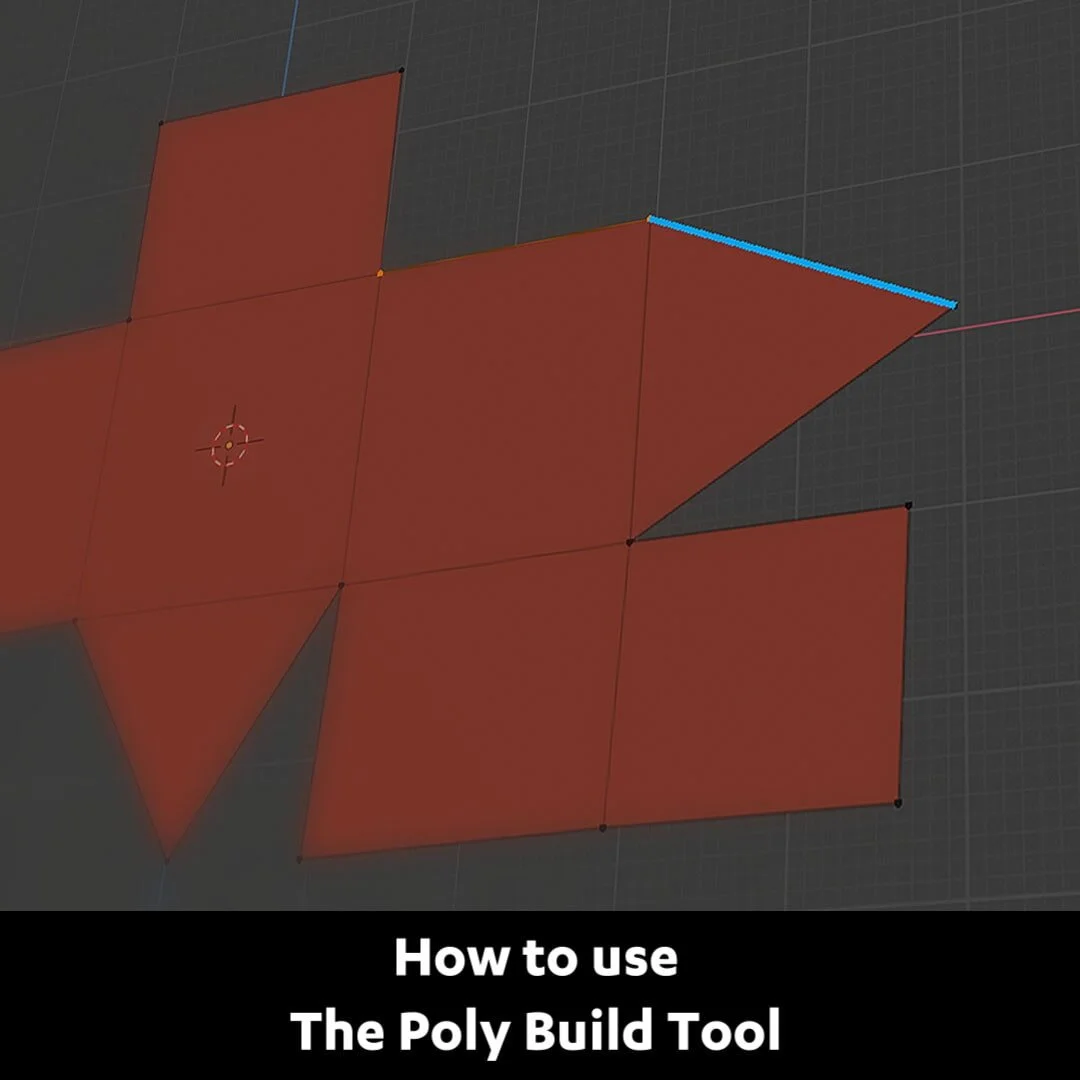
First, turn on the Poly Build Tool. In Edit Mode, mouse-over an edge, it will become highlighted.
Drag it to extrude a new face. Or Ctrl+drag to extrude a triangle.
Repeat that on an edge of the triangle to turn it into a face.
Hold shift and click on a face to delete it. Ctrl-click to create new vertices.
Select all with A then press F to fill Ctrl-drag a corner vertex to create a face from that location.
Together with the Shrinkwrap modifier or with Snapping turned on, you can use this tool for manual retopology.