The Complete Hard Surface bundle
The Complete Hard Surface bundle contains 4 hard surface related courses (2 about modeling, 1 about sculpting, and 1 about materials), as well as the 5 Blender Secrets e-books. The 4 video courses total 31 hours of content (so far, and not counting the videos that come with the book). The books contain over 2000 pages of tips and workflows, as well as 900 short tip videos.
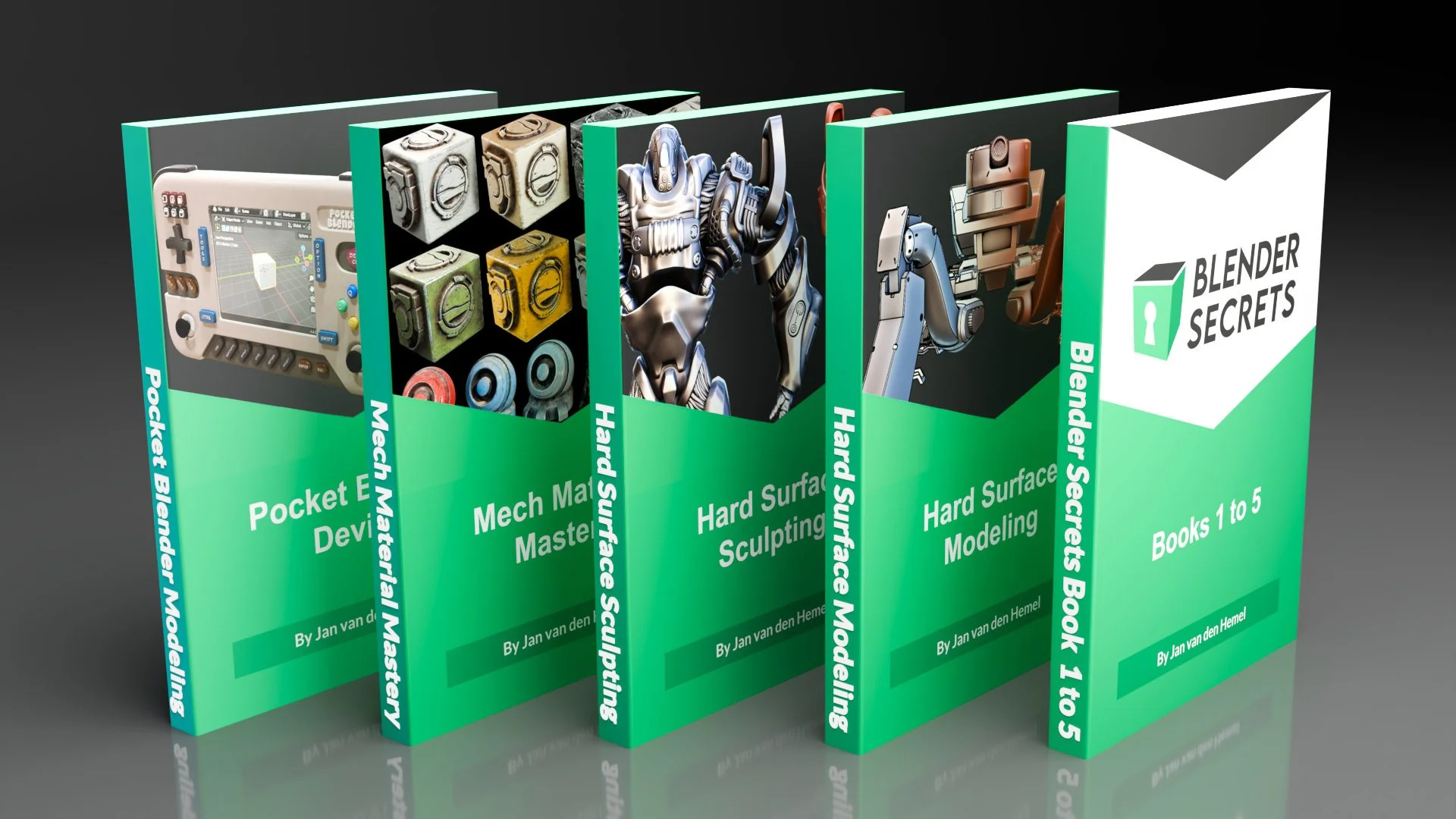
With this amazing bundle, you can start making what you want in Blender, and overcome any obstacle on that path.
Combined value: $ 266.96 USD
Discounted bundle price: $ 159 USD
You save $ 107.96 USD!
What’s inside the bundle?
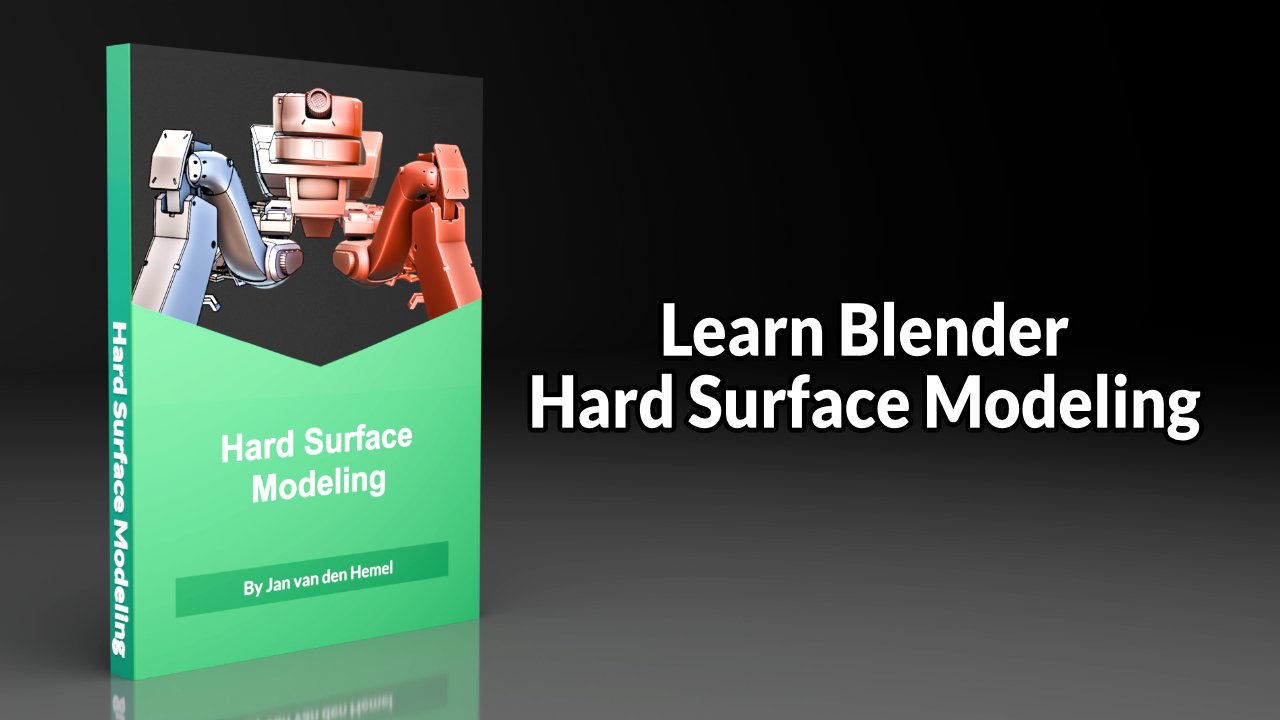
A comprehensive video course that takes you through the entire process of concepting, modeling, retopologizing and more of a hard surface mech in Blender.
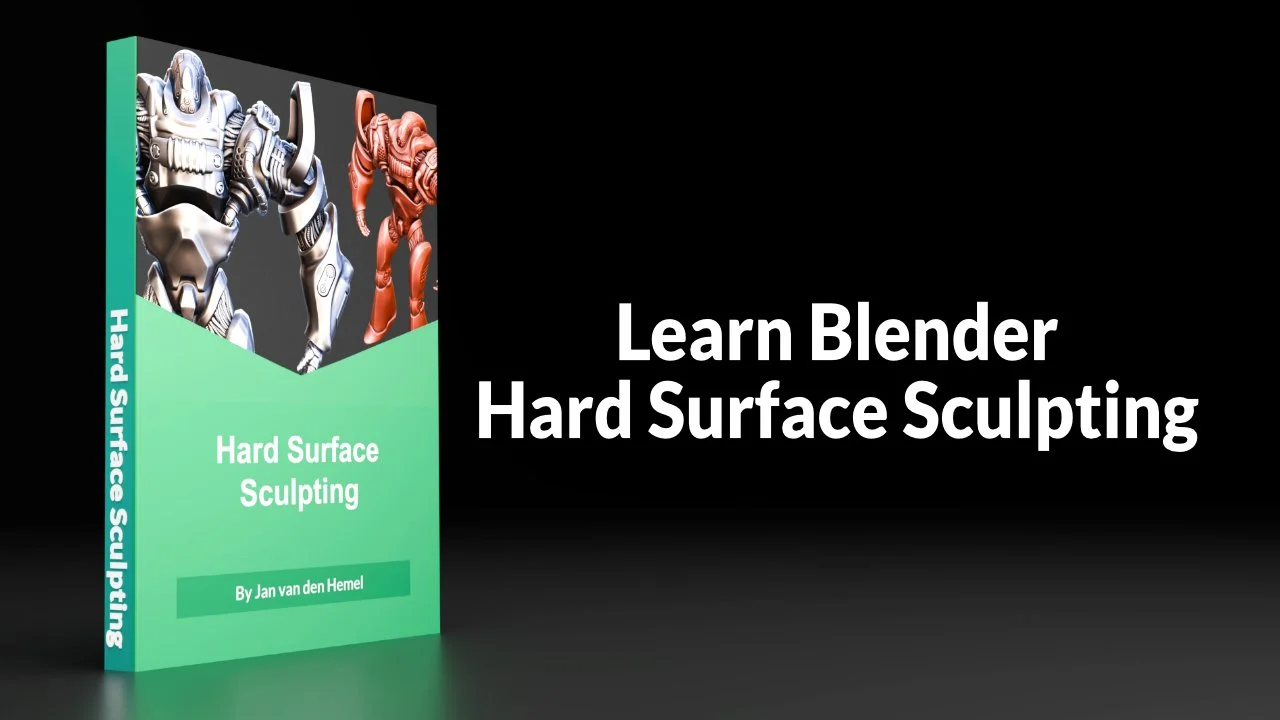
Through various techniques like Alpha brushes and tiling displacement textures, we can create mech designs quickly and easily in Blender.
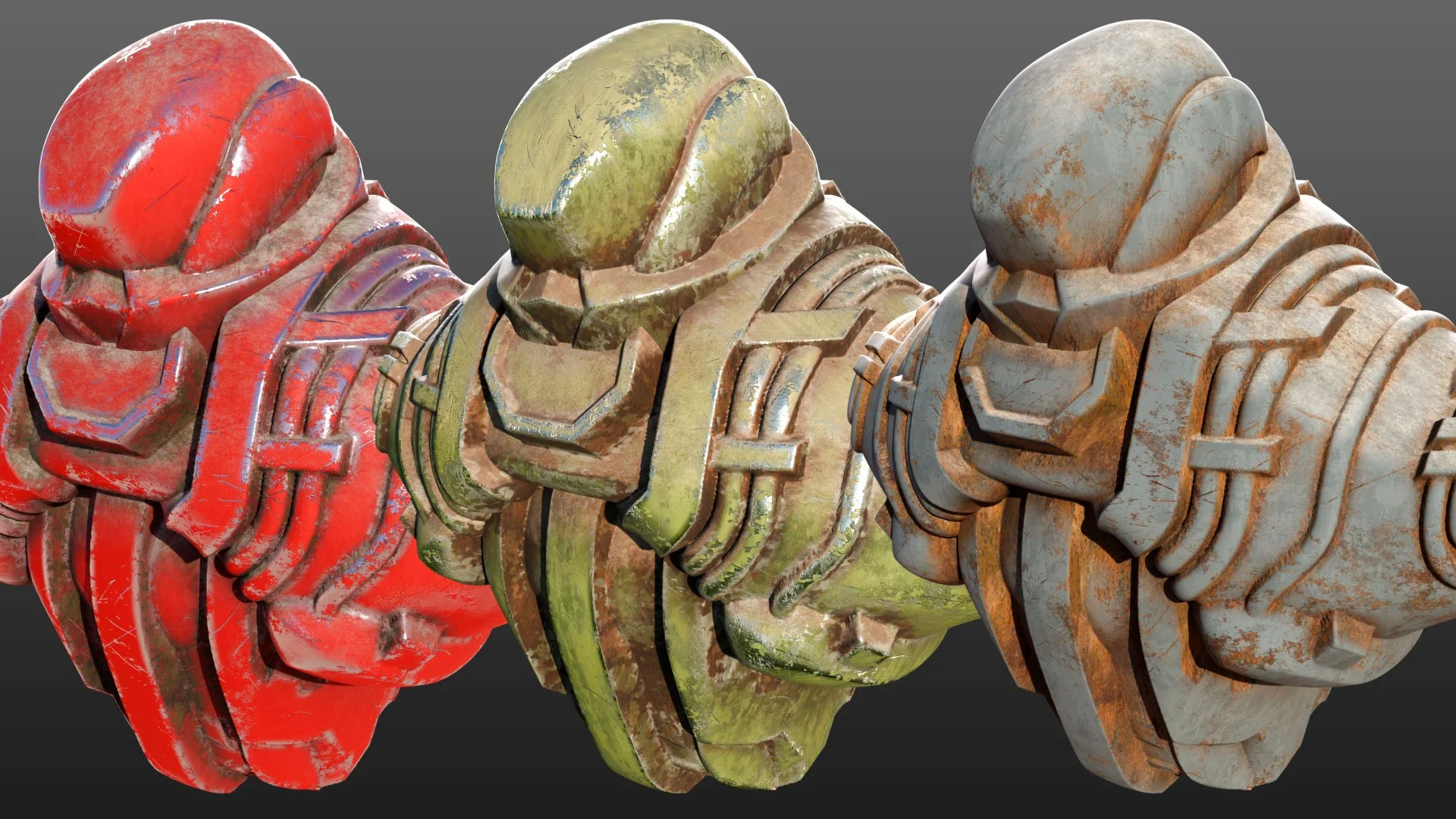
In this course we look at how to make really good looking “smart” materials that you can just drag and drop onto any geometry (even unwrapped sculpts with millions of triangles).
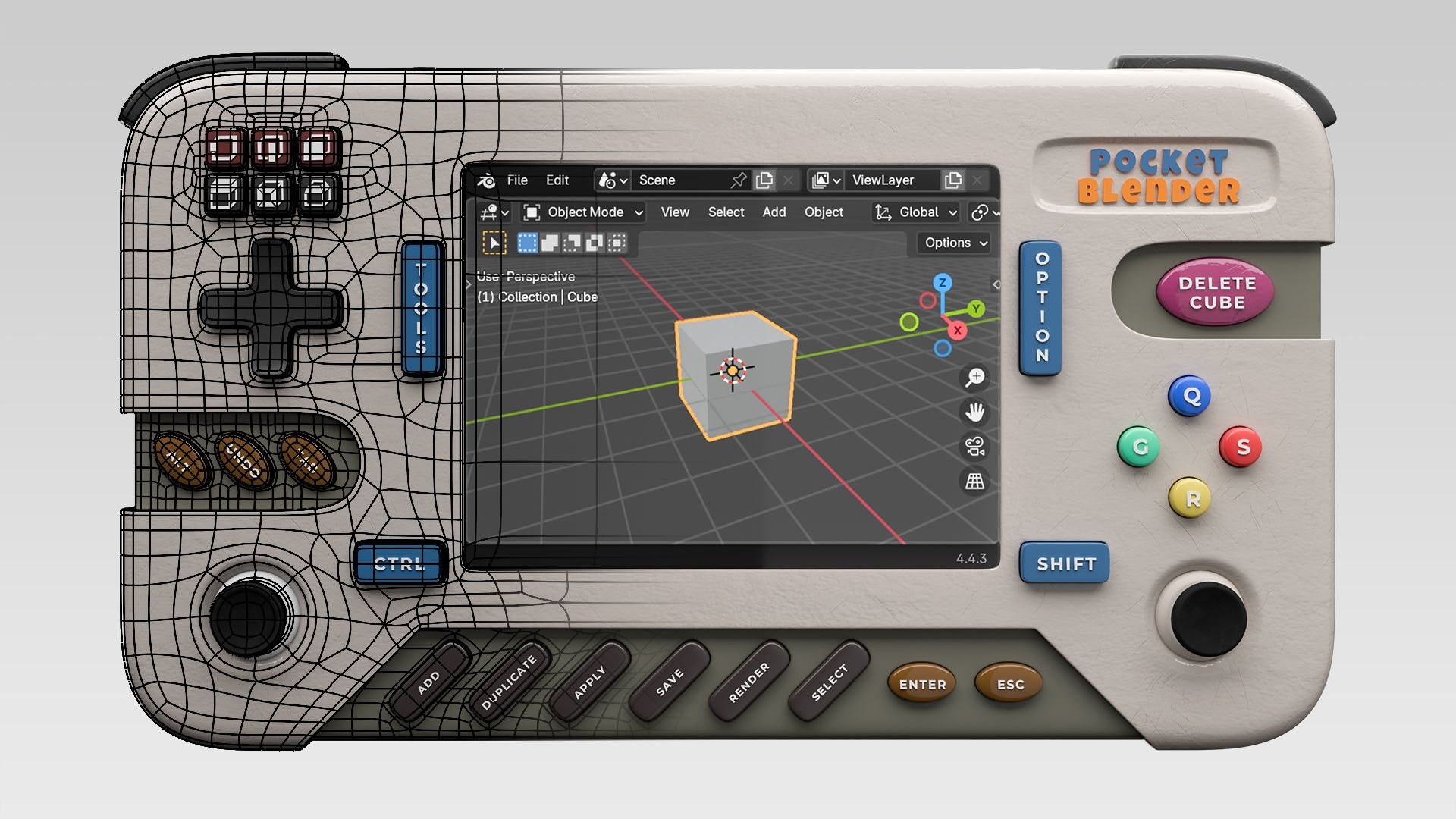
A short but complete modeling course creating a handheld device in Blender.
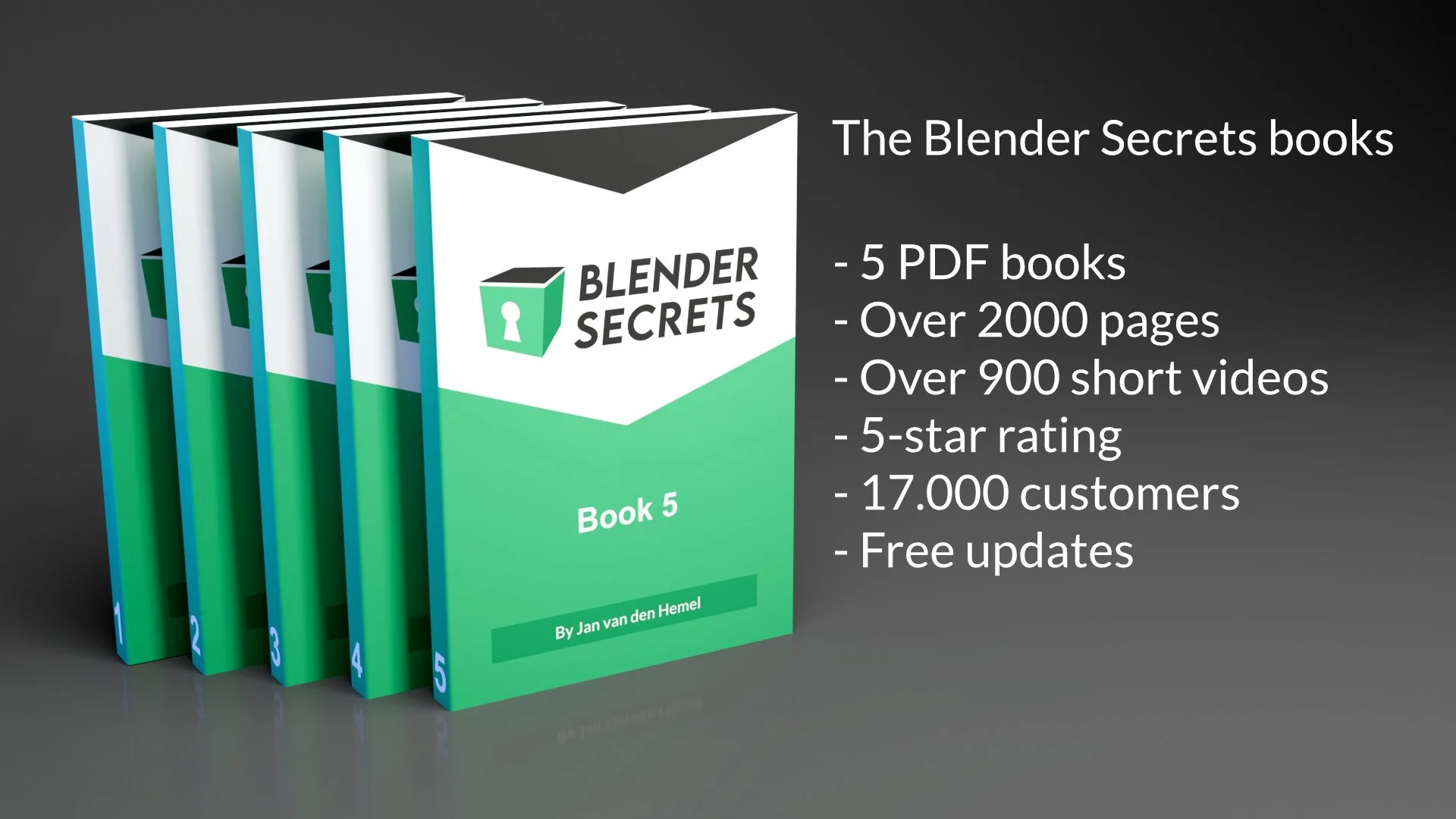
Become a better 3D artist with over 2000 pages of tips and tricks. Save yourself countless hours of frustration. 95% 5-star ratings⭐⭐⭐⭐⭐ from over 17.000 Students
Student Reviews
Below you can read some reviews from some of the students.
Thomas Buchmann
"The videos have a proper length, are well explained and easy to follow. I think a video should not be longer than 20 min, otherwise you lose concentration, at least I do. I especially liked the explanation of the sculpting part for the fabric covered joints. Showing the sculpting feature on a simple mesh as an example and than put it into practise on the actual mesh was a good choice."
Leo DeGrance
"Enjoyed the course so far. This gradual release schedule works well for me. Small steps every week fits into my schedule very well. For some reason, full courses released all at once, seem overwhelming and I gradually lose interest. Like episodic television, this kind of schedule keeps me coming back to see what's going to happen in the next episode. The length of each video is just right."
Christian
"Well done Jan and a big thank you... with this training you offer us a very professional working method... with each video I discover a practical tip... impressive"
LT Walton
"I had heard and seen other YouTube tutorials and streams on SubD modelling, but following along with this course, I learned quite a lot. My own experiments with Booleans, for example, weren't all that great. But this course explained when to use them and explained the flexibility in their use for non-destructive modelling. Key in crafting mockups and concept models, prior to finalizing and locking in any changes. I utilized what I learned in creating a mockup of a Monorail train."
Robert Elder
"I appreciate the shortish videos, they seemed well focused. I learned a number of tricks, such as making pipes from a single Vert, Flattening Co-planer surfaces, Copying select modifiers, etc. I found the detailed work done on the front leg where our Bevel transitioned to a curve. Good info around working efficiently as well. Striking the balance in terms of skill level is challenging. I found this to be intermediate in relation to my skills... which is just about perfect."
Maria Wenzler
"Happy so far. Thanks a lot for this course. And many thanks for the good support. I'm very excited about what's coming next."
Maran Wasan
"First of all, I was very happy with the length of the lectures. I work full time and one or two lectures fit perfectly into my morning schedule. In other courses this was often frustrating because one unit took up so much time. The explanations are very clear and easy to understand.
I was surprised by the realisation of the blueprint. I've modelled things from blueprints before, but it never occurred to me to colour them and I didn't know how to get that colour into the model. It makes it so much clearer. But there were so many tricks and tips that I'm very grateful for, such as how to achieve graphic consistency by using the same bevels. I was also very grateful for the good and quick support in case of problems, both with the lessons and of a technical nature. Jan, you are a good guy. I can only recommend buying this course."
Richard Dana
"you are an excellent teacher. I have really enjoyed this course so far so I guess modelling would be my favorite endeavor in Blender as far as future tutorials are concerned."
Anonymous
"I liked how it was explained and that other alternative methods for doing a particular action were pointed out. The pace was good and making use of not easily come by tips were introduced in the course such as using sculpt tools in hard surface modelling and the copy attributes menu. Applying a tapered bevel to an edge was also pretty cool thing I learned."