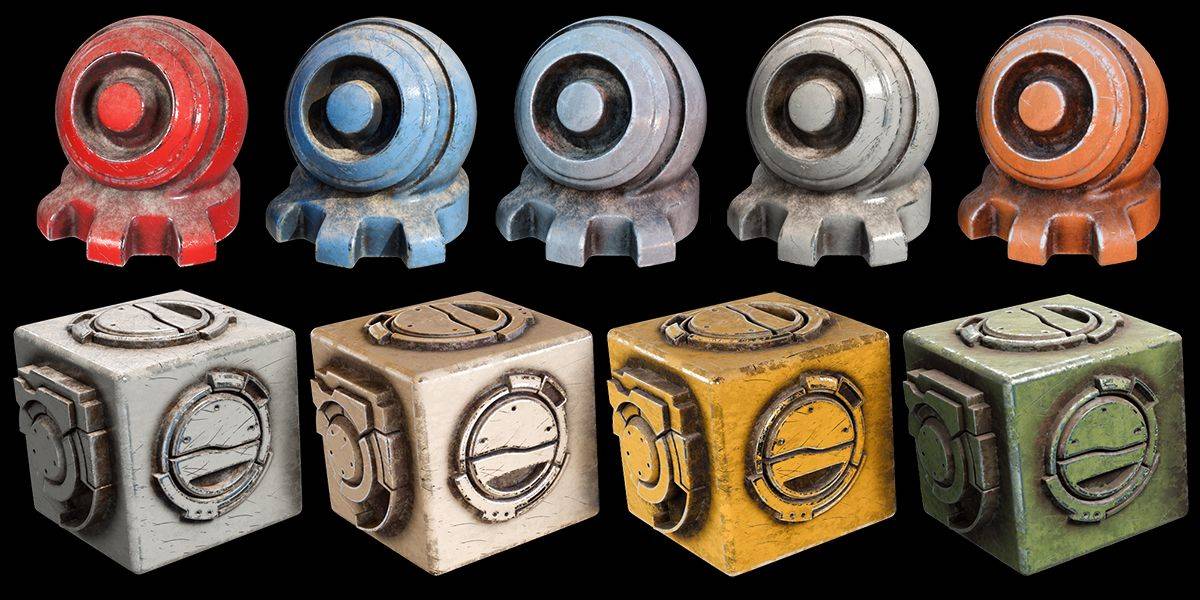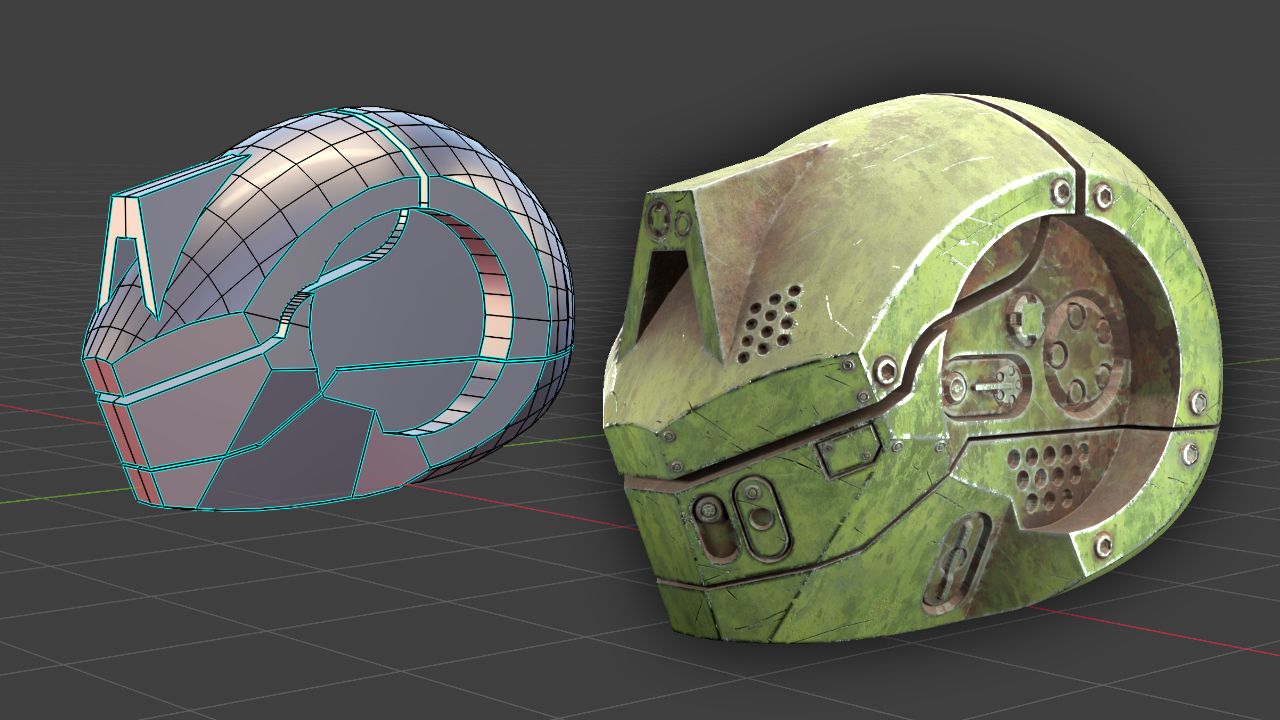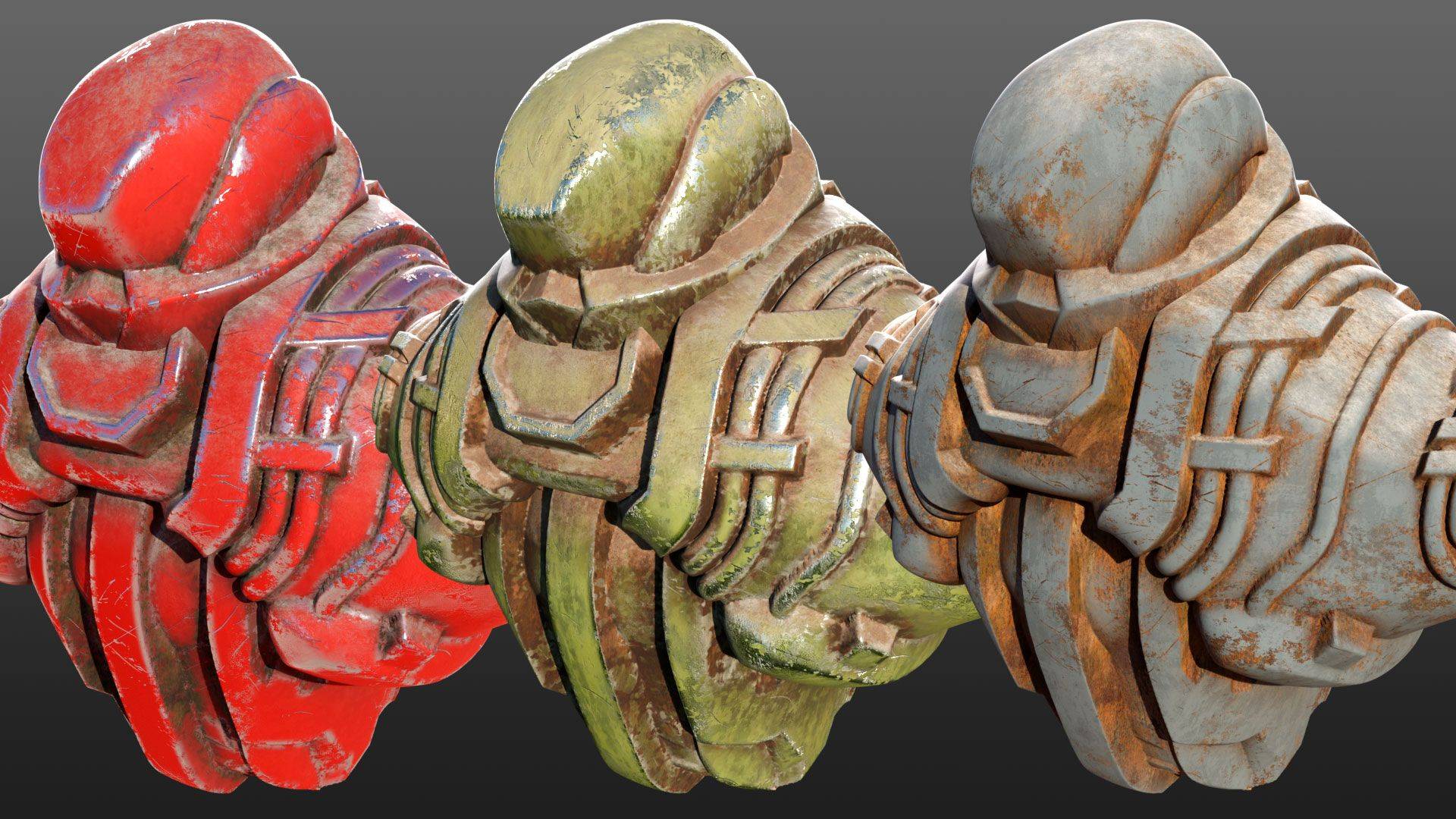
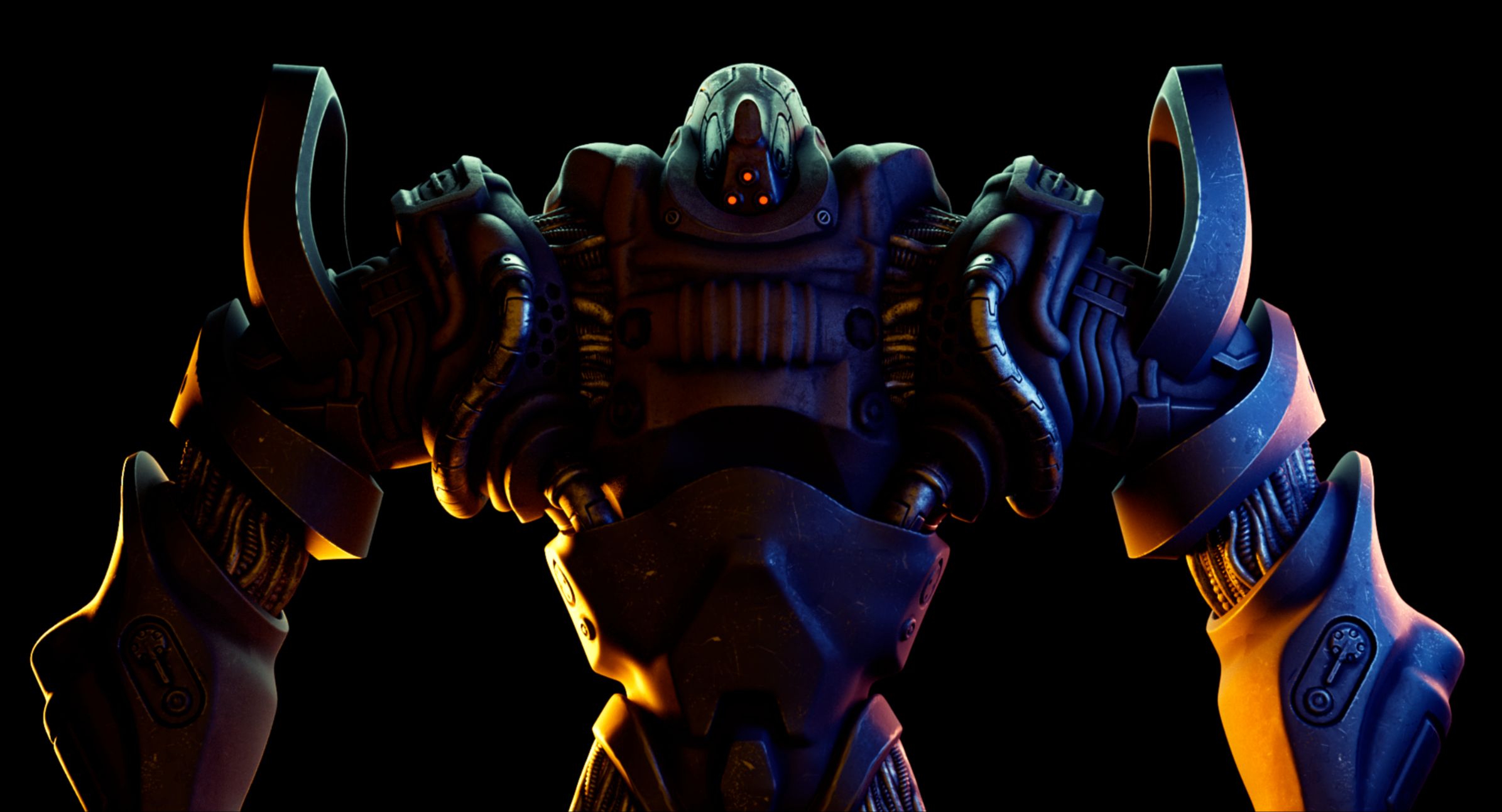
You just want to make cool renders?
After you finish sculpting, or modeling something with booleans, it's fun to make a nice render of your model with materials. Normally you need to first retopologize, then UV unwrap... many hours, or even days of work before you can see your render. Often, we feel it's not worth the effort and move on.
That's where these drag and drop materials come in. You just drop them on your model, and you're done. Don't worry about UV unwrapping or retopology for now. Just make a cool render!
Course Contents
Of course, it wouldn't be much of a course if it was just a collection of cool drag and drop materials.
So besides the materials, you'll also receive 4 hours of video tutorials, detailing how to make these kinds of drag and drop materials.
The video course describes how to create various procedural masks, as well as damage textures like scratch maps and worn surfaces.
It also looks at how to leverage Photogrammetry, how to extract albedo textures and how to make it all tile seamlessly without visible repetition.
Finally, we go over the entire process of creating a drag and drop worn metal material from start to finish.
Get ready for awesome renders!
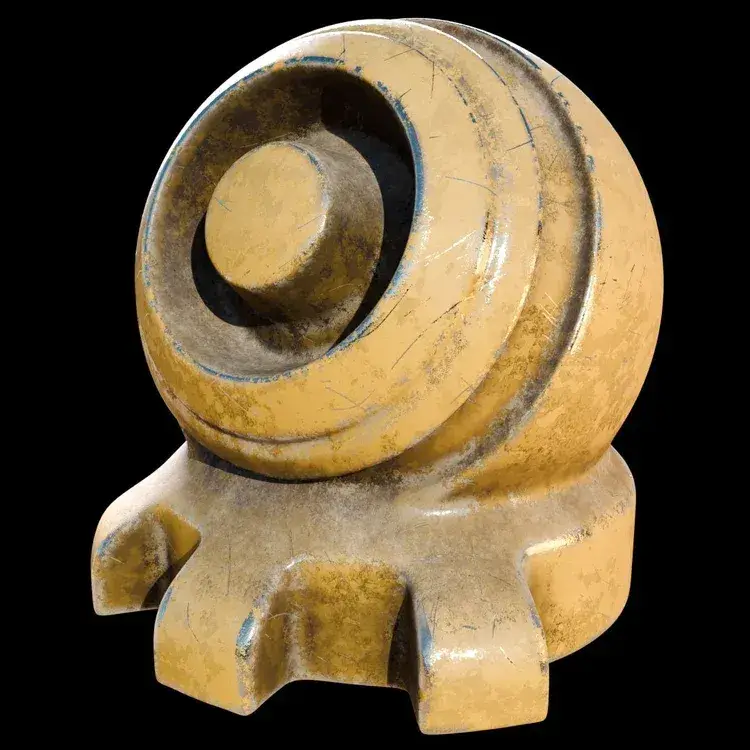
The secrets of a cool material
To make a really good material you need to know how to leverage procedural masks, photo textures and the right (real life-based) colors.
Procedural Masks
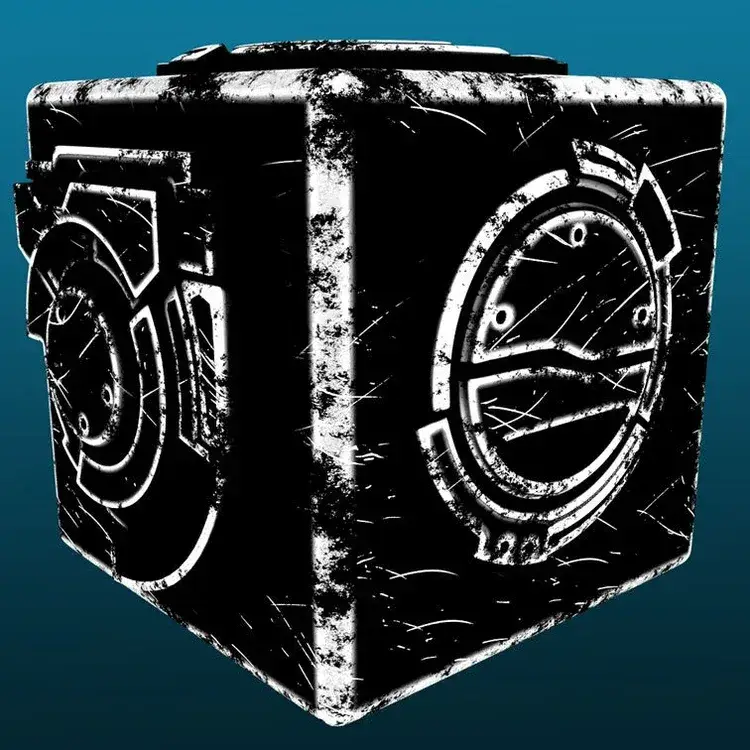
Using both procedural masks and textures from photograps, we get the best of both worlds. In the course we create several masks, that we then turn into user-friendly node groups. The node groups are also included in the asset bundle.
Photo Textures
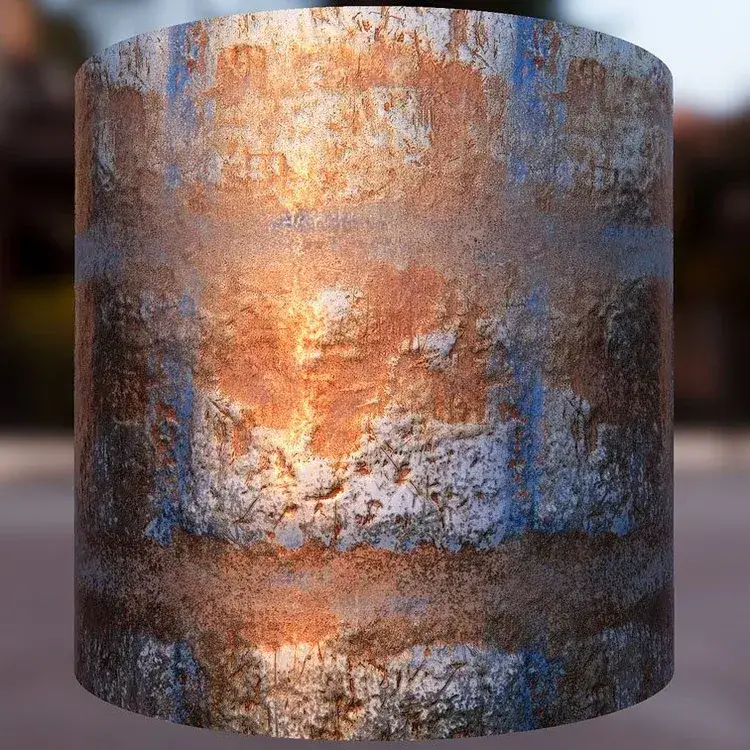
Besides the ready to use materials, you'll get all of the photographic textures I've collected myself. I've already made seamlessly tiling versions as well. I've also extracted Normal maps from them, that you can use as surface damage maps.
Colors
You can't always find a photographic texture in the exact color you need. To overcome this obstacle, we look at how to create good looking color maps in any hue we want, and how to choose nice hues that are used in the real world.
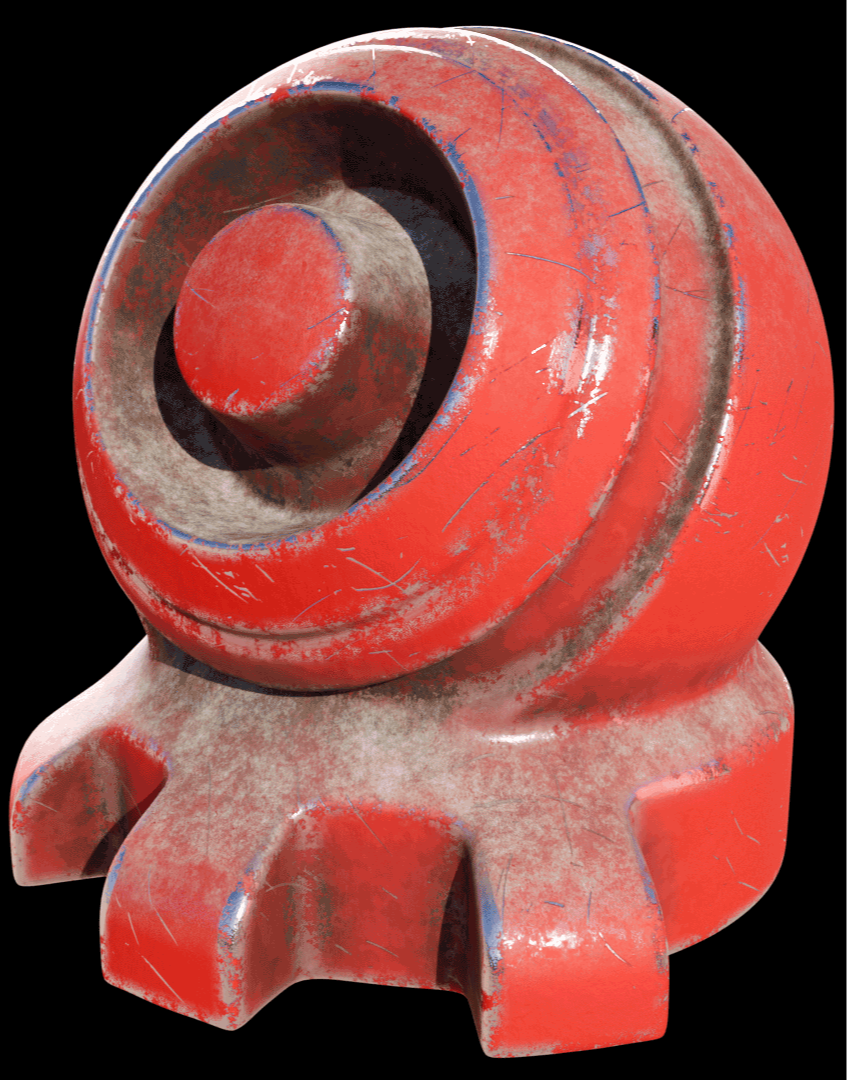
Made for Cycles
Please note, that these materials use procedural Cycles shader nodes for the edge wear effects.
Shaders that are not available in the Eevee render engine.
In other words, these materials work best in Cycles.
However, you can bake the textures in Cycles, and then use them in Eevee (or in a game engine).
If you want to do that, you will need a UV-unwrapped version of your model.
Learn these material secrets nowPreview the Curriculum
-
Download files
1 lesson- Download the asset files and video lessons
-
Setting up Blender and how to use the materials
3 lessons- 01-01 How To Install And Use The Materials-1
- 02-01 Blender Configuration And Add-Ons-1
- 02-02 Extensions-1
-
Creating Various Masks
10 lessons- 03-01 Occlusion Mask
- 03-02 Blurry Occlusion Mask
- 03-03 Bevel Masks
- 03-04 Combining Bevel Masks And Adding Noise
- 03-05 Dust Mask
- 03-06 Color Attribute
- 03-07 Making Scratch Maps
- 03-08 Scratch Maps Post Processing
- 03-09 Using Scratch Maps
- 03-10 Tiling Scratch Map In Gimp
-
Photogrammetry
6 lessons- 04-01 Photogrammetry Quick Start
- 04-02 Baking Photogrammetry
- 04-03 How To Create An Albedo Map
- 04-04 Drum Photogrammetry Part 1 Color Texture
- 04-05 Drum Photogrammetry Part 2 Normal Map
- 04-06 Drum Photogrammetry Part 3 Cleanup And Seamless Tiling
-
Creating texture maps
7 lessons- 05-01 About Colors
- 05-02 How To Make Seamlessly Tiling Textures In Gimp 2 Methods
- 05-03 How To Avoid Patterns In Tiling Textures
- 05-04 Sculpting A Tiling Damaged Surface
- 05-05 Baking Sculpted Damage To Normal Or Displacement Map
- 05-06 Creating A Damaged Surface Map From A Jpeg
- 05-07 Pixplant Quickstart
-
Creating a material with Dust - Scratches - Edge Wear and Rust
9 lessons- 06-01 Making Material - 01 Dark And Light Paint
- 06-02 Making Material - 02 Edge Wear
- 06-03 Making Material - 03 Scratches
- 06-04 Making Material - 04 Light Rust
- 06-05 Making Material - 05 Dark Rust
- 06-06 Making Material - 06 Dust
- 06-07 Making Material - 07 Metallic And Roughness
- 06-08 Making Material - 08 Bump
- 06-09 Making Material - 09 Normal Map
Start making cool materials today!
This course teaches you all you need to start making materials that use the best of both worlds: procedural textures and masks combined with real-life based photographic textures. That way you can combine realism with the practicality of drag and drop materials, that just work on your geometry. Without having to do tedious UV unwrapping, etc.