
Learn Hard Surface Sculpting in the free software Blender
All about Alpha and VDM sculpt brushes, and the full process of creating a robot design
Hard Surface sculpting in Blender
This course deals with the full hard surface sculpting workflow in Blender, starting with drawing thumbnails all the way to a finished 3D sculpt. Along the way, we'll learn basic and advanced sculpting tools and brushes. Then we also dive deep into making awesome assets, like alpha textures, tiling displacement maps and hard surface VDM brushes.
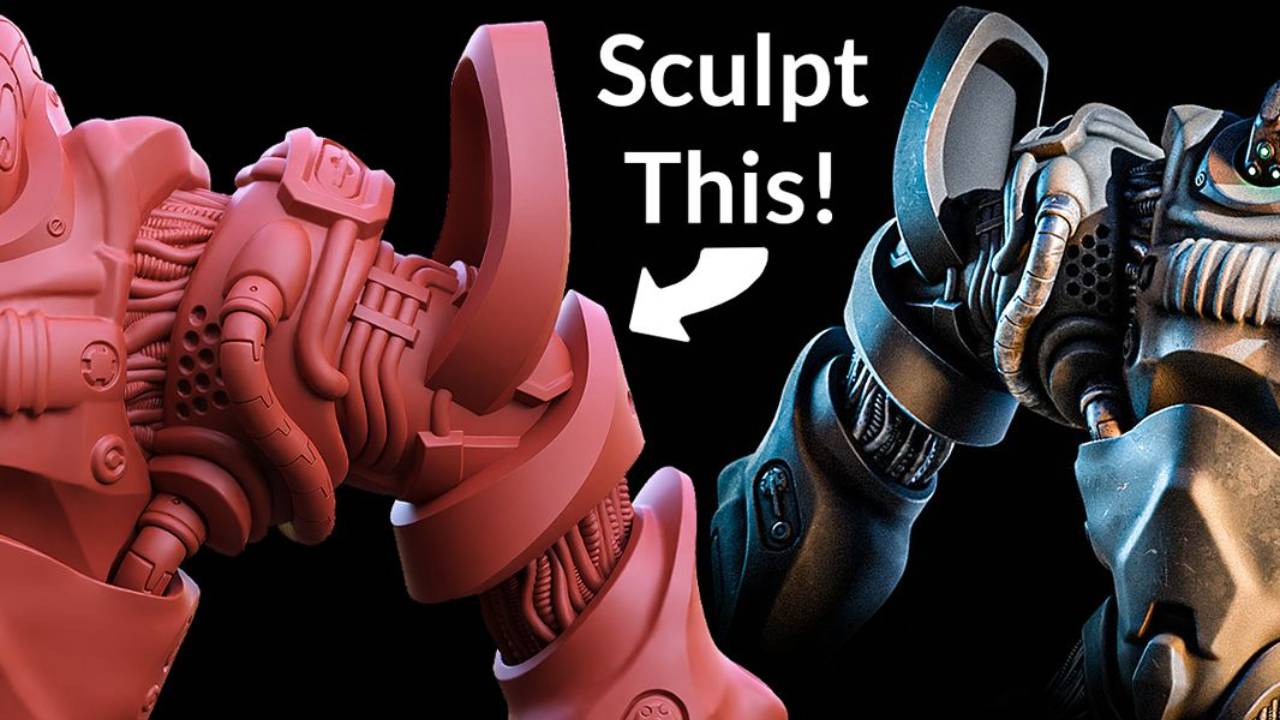
Included in this course
-
In total 6 hours of video tutorials, narrated in english with captions
-
2 hours 23 minutes of narrated, edited sculpting videos.
-
100+ Alpha texture brushes (with preview thumbnails) to append into your project
-
Tiling Displacement maps
-
Hard surface VDM brush (more to be added in future updates)
-
Thumbnail sketches and final design sketch
-
All videos are downloadable for optional offline viewing
-
Procedural pipe models
-
Node groups for baking alphas and tiling displacement maps
-
Mech bust to experiment with
-
The unedited sculpting process is also available, should you want it.
-
Captions in Korean, Japanese and more languages coming!
-
Free updates
Preview the Curriculum
-
Download the lessons as ZIP files
1 lesson- Download the lessons
-
Watch the lessons online - Part 1 (theory)
31 lessons- 01 Introduction to the course
- 02 Introduction Preferences
- 03 Setting up your Wacom tablet
- 04 Blender Preferences
- 05 Must-Use Add-Ons-1
- 06 Introduction Alphas
- 07 Intro to Alphas Textures
- 08 Guidelines for Modeling for Alphas
- 09 Modeling Alphas - Inset Extrude Bevel And Knife-1
- 10 Modeling Alphas - Array and Shape Keys
- 11 Modeling Alphas With Boolean Cutting-1
- 12 Baking Alpha Textures-1
- 13 How to use Alpha textures V2
- 14 Vdm Brushes From Existing Meshes-1
- 14B Vdm Brushes From Existing Meshes
- 15 Introduction Tiling Displacement
- 16 Sketching a tiling Displacement map
- 17 Modeling Tiling Displacement Map V1-1
- 18 Bake Tiling Displacement Maps-1
- 19 Using The Displacement Map For Creating Concepts-1
- 20 Erasing Displacement-1
- 21 Mixing Displacement-1
- 22 Introduction Cables
- 23 Pipes - Basics-1
- 24 Pipes - Start And End Caps-1
- 25 Pipes - Placing Them-1
- 26 Introduction Thumbnailing
- 27 Thumbnailing Basics-1
- 28 Krita Install and UI scale v2
- 29 Krita refining the thumbnail Part 1
- 30 Krita refining the thumbnail Part 2
-
Watch the lessons online - Part 2 (Practical)
43 lessons- 31 Introduction Sculpting
- 32 A Sculpting Part 1 Short
- 32 B Sculpting Part 1
- 33 A Sculpting Part 2 Short
- 33 B Sculpting Part 2
- 34 A Sculpting Part 3 Short
- 34 B Sculpting Part 3
- 35 A Sculpting Part 4 Short
- 35 B Sculpting Part 4
- 36 A Sculpting Part 5 Short
- 36 B Sculpting Part 5
- 37 A Sculpting Part 6 Short
- 37 B Sculpting Part 6
- 38 A Sculpting Part 7 Short
- 38 B Sculpting Part 7
- 39 A Sculpting Part 8 Short
- 39 B Sculpting Part 8
- 40 A Sculpting Part 9 Short
- 40 B Sculpting Part 9
- 41 A Sculpting Part 10 Short
- 41 B Sculpting Part 10
- 42 A Sculpting Part 11 Short
- 42 B Sculpting Part 11
- 43 A Sculpting Part 12 Short
- 43 B Sculpting Part 12
- 44 A Sculpting Part 13 Short
- 44 B Sculpting Part 13
- 45 A Sculpting Part 14 Short
- 45 B Sculpting Part 14
- 46 A Sculpting Part 15 Short
- 46 B Sculpting Part 15
- 47 A Sculpting Part 16 Short
- 47 B Sculpting Part 16
- 48 A Sculpting Part 17 Short
- 48 B Sculpting Part 17
- 49 A Sculpting Part 18 Short
- 49 B Sculpting Part 18
- 50 A Sculpting Part 19 Short
- 50 B Sculpting Part 19
- 51 A Sculpting Part 20 Short
- 51 B Sculpting Part 20
- 52 A Sculpting Part 21 Short
- 52 B Sculpting Part 21
All about Alpha Textures
Alpha textures are height maps that quickly add intricate details to your model in Sculpt Mode. In this course, we dive into the theory of what makes a nice Alpha texture, how best to model them and then bake them. The course comes with 100+ Alpha textures, so you don't need to buy anything extra.
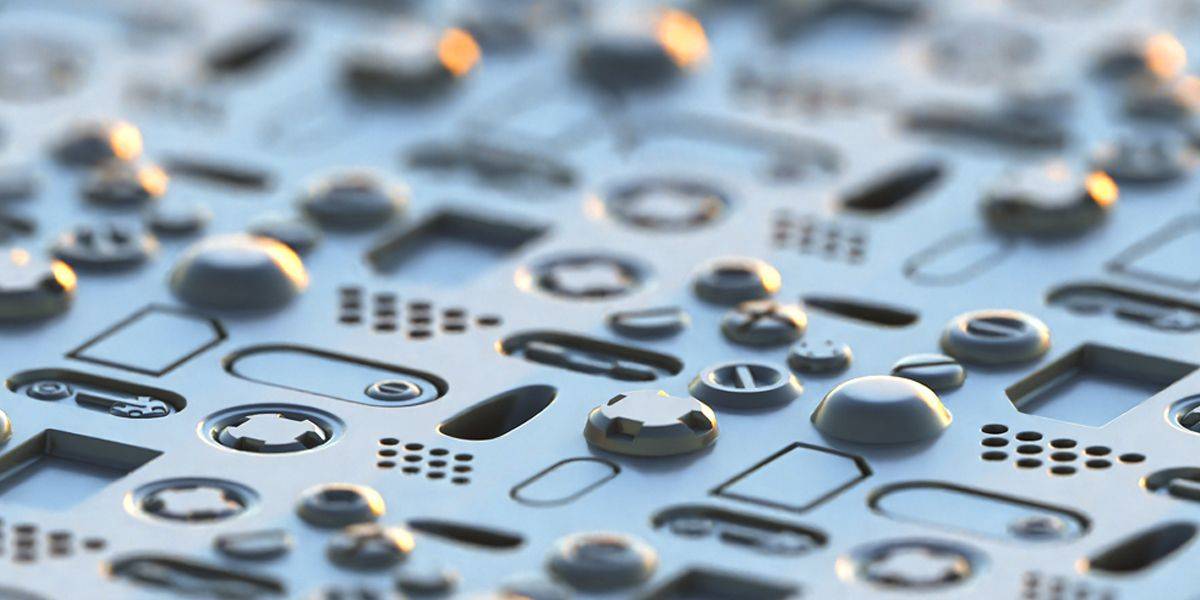
Learn how to:
Model alphas using various techniques, such as booleans and non-destructive modifier-based workflows. This will help you quickly generate a lot of variations.
We also dive into the theory of what makes a good alpha, and how to bake them perfectly.
Using nodes, we set up a baking system that adds nice bevels to the edges, so we can keep the modeling of these parts nice and simple and still have a great result.
Tiling Displacement Maps
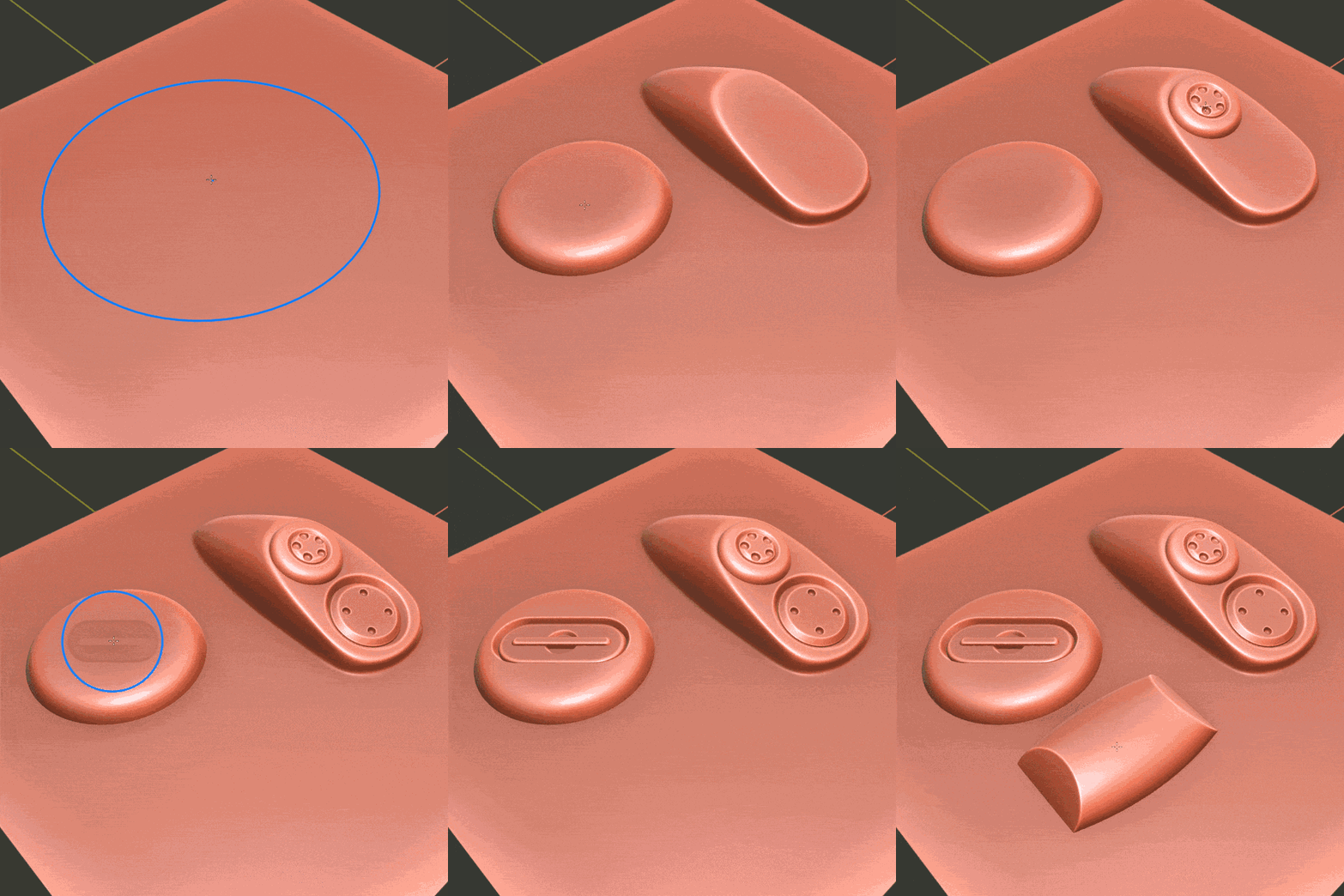
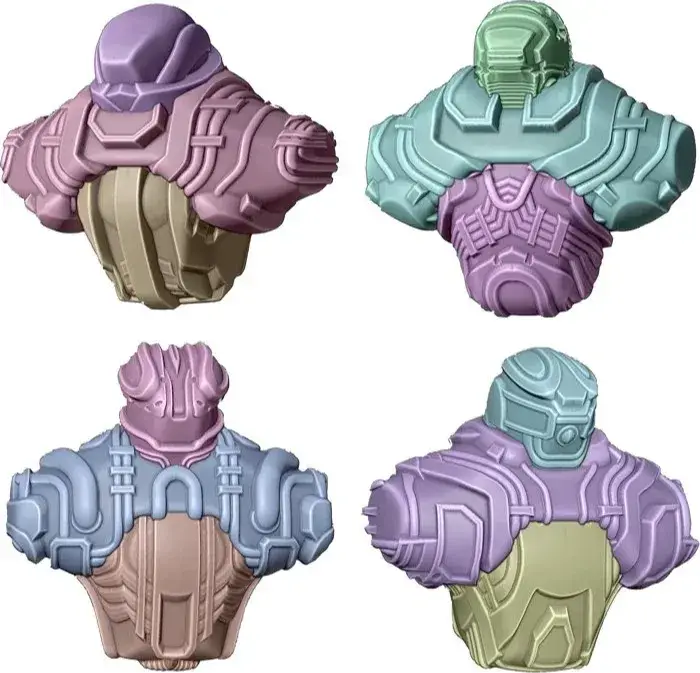
Let's take advantage of the fact that we're sculpting in Blender, which means that we can use tools not normally found in sculpting apps. One of these tools is the tiling displacement map. This quickly adds displacement that you can play and experiment with, in order to rapidly get many ideas for shapes. It only takes minutes to get several iterations, that you can choose the best one from. You can even erase from the displacement parts you don't like, or mix different displacement maps. It's a really creative tool that's bound to make your sculpting workflow more exciting.
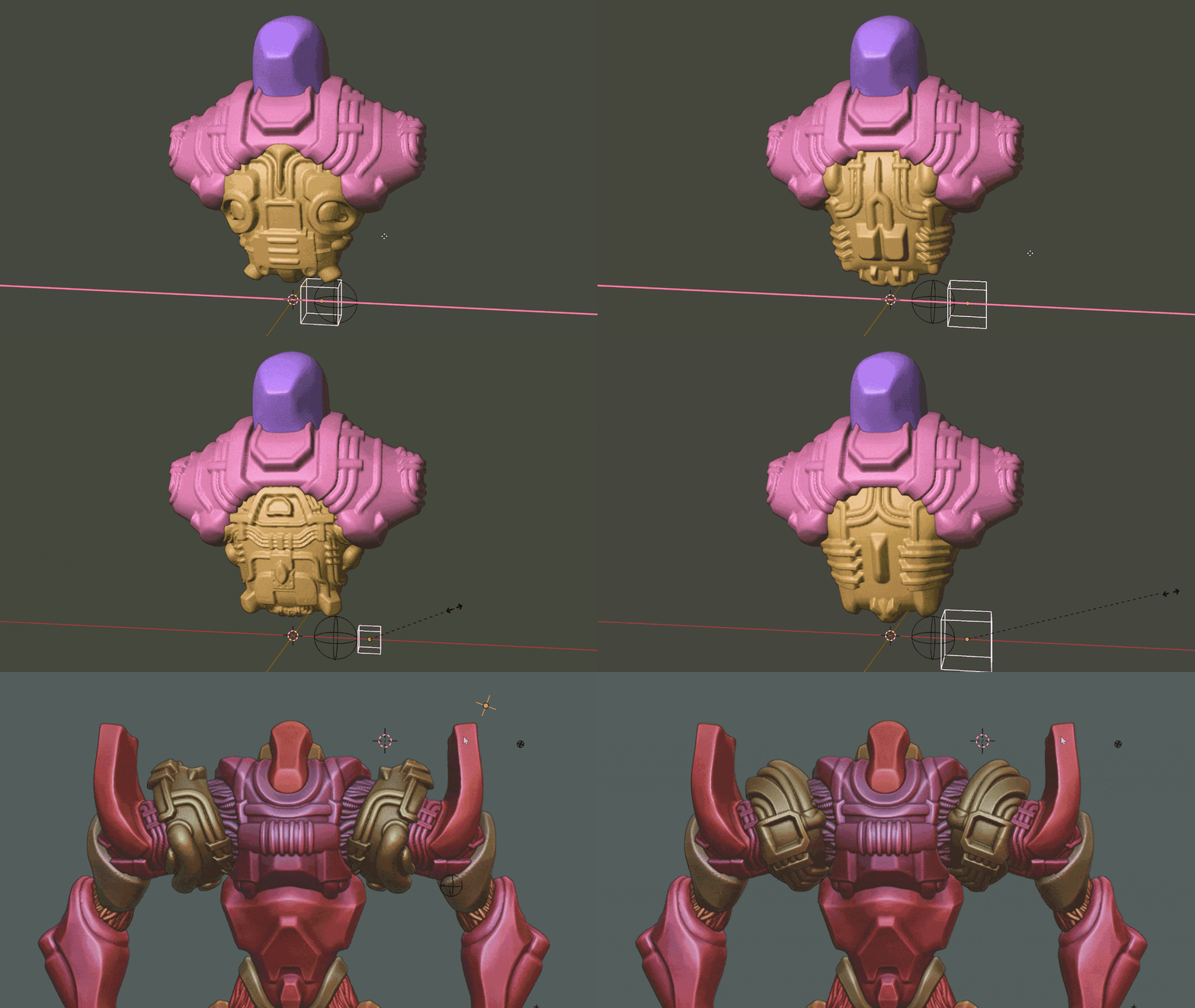
Secret Hard Surface concepting techniques:
- Designing tiling displacement maps in Blender
- Modeling techniques for tiling maps
- The best way to bake and export these maps
- Using them in your Sculpting workflow
- Erasing parts non-destructively
- Mixing different ones together
- Creating interesting concepts quickly
Hard Surface VDMs(Vector Displacement Maps)
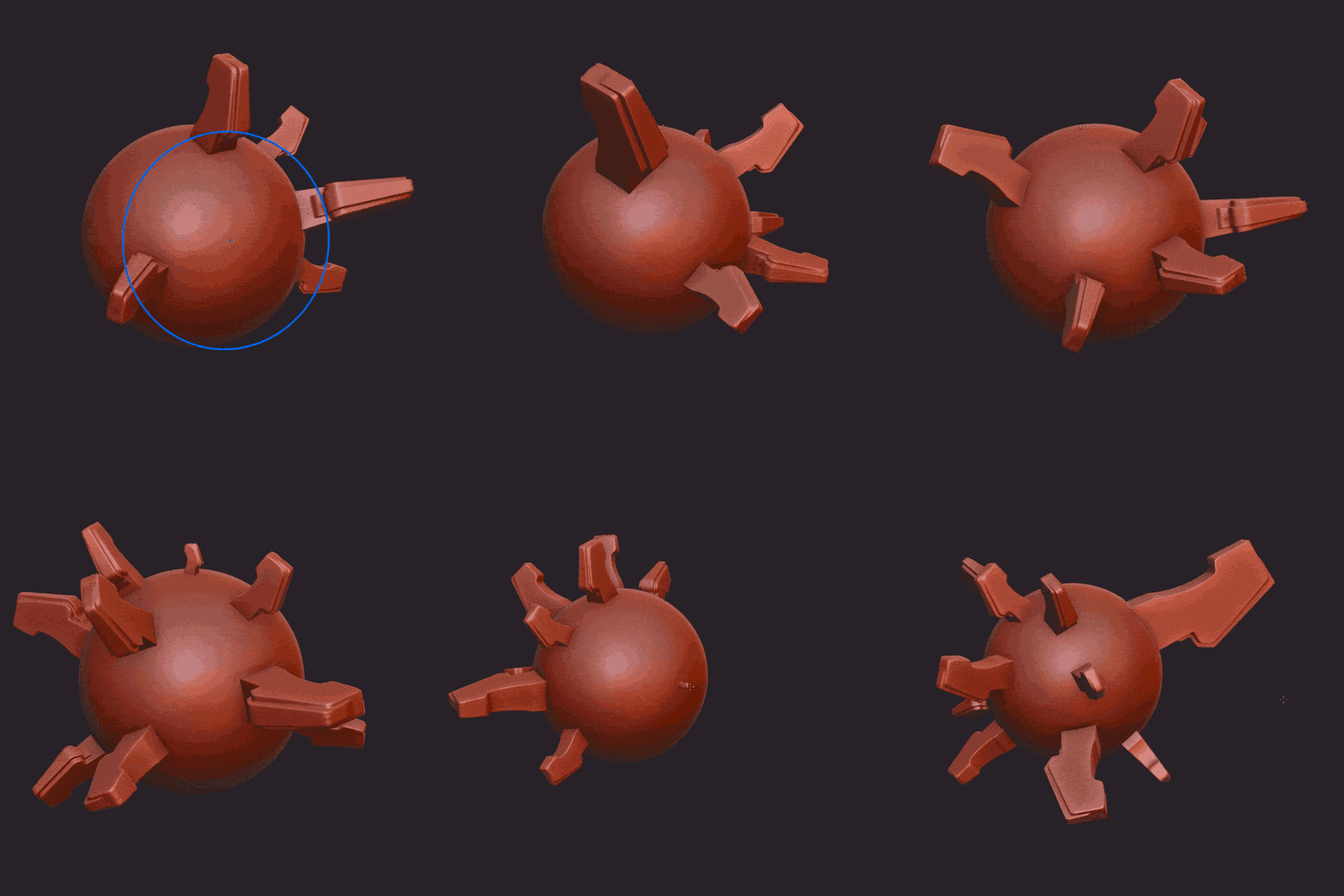
Vector Displacement maps are a great new way of adding big details in Sculpt Mode.
But they're more suited to organic things, because you can only create them by sculpting on a Plane, right?
Nope - I'll show you how to turn any model into a VDM. Now you can add complex geometry super fast in Sculpt Mode.
Pipes and cables
We explore modeling techniques and modifiers that allow us to create flexible set-ups for cables.
By using modifiers we can make them as long or short as we want, and use Start and End caps.
We can then place them anywhere on our model for additional hard surface coolness.
Learn how to make cool cables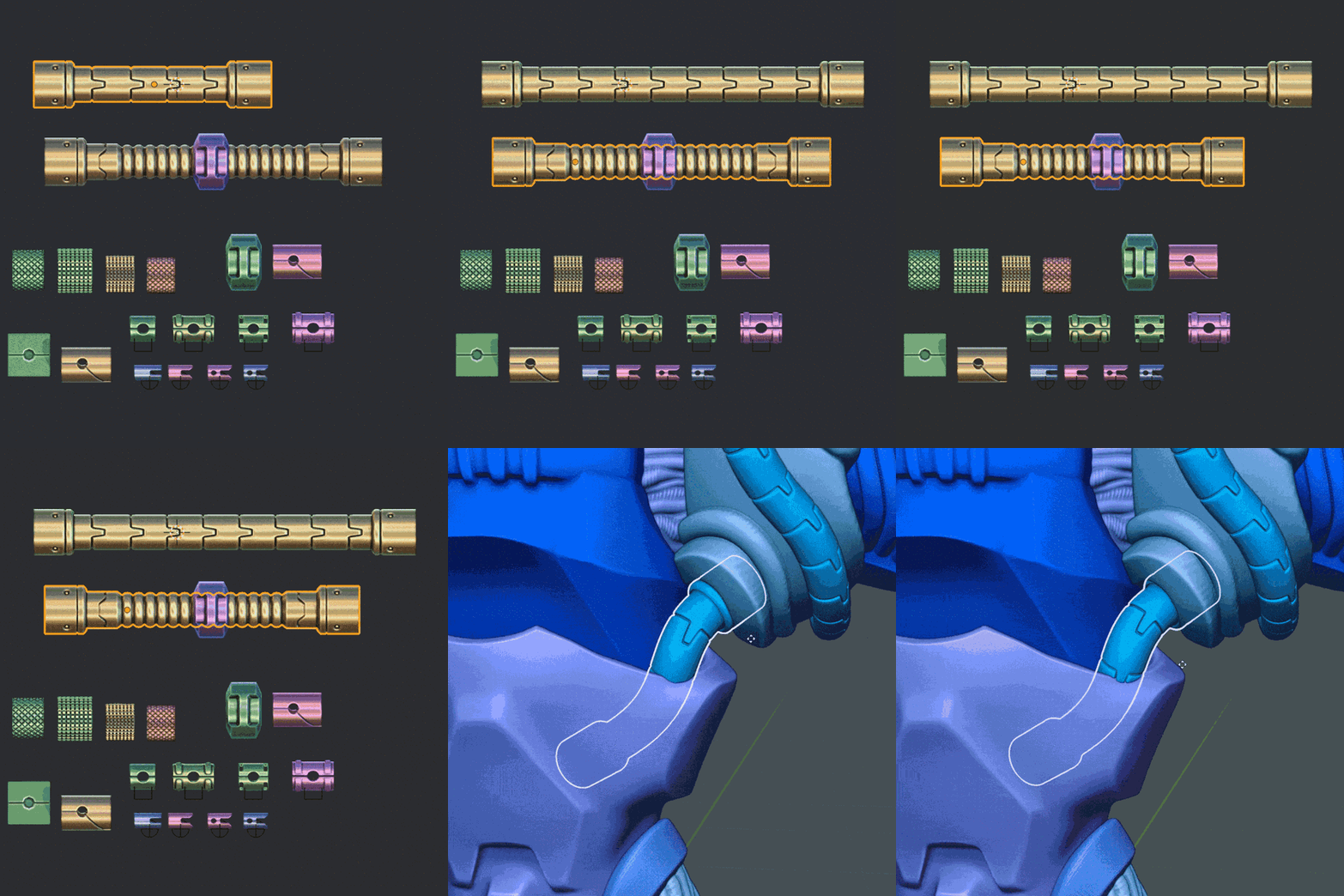
Which version of Blender is this for?
Do I need paid add-ons?
How much RAM do I need?
Do I need a graphics tablet?
How much experience do I need?
Besides Blender, do I need other apps?
How long is the course?
Learn how to bring your designs into 3D
Making hard surface models can be very time consuming if you're always worrying about topology. With sculpting techniques, we can bring our ideas to life much faster. This is ideal when you want to create concept art in 3D. Thanks to special hard surface brushes, you can easily add detail (literally with one click). Are you ready to have some fun with 3D art?